

Get your wallets ready - the $MDEV launch is happening on Base this November 25.
Pineapple is already building cross-chain swaps and bridging - key upgrades coming next in our product pipeline. But ahead of that, we’ve accelerated one major change: MotionDEV will now launch on Base, Coinbase’s L2 built on the OP Stack.
This shift is backed by several strategic partnerships recently secured within the Base ecosystem, making it the strongest environment for MotionDEV’s token, users, and long-term growth.
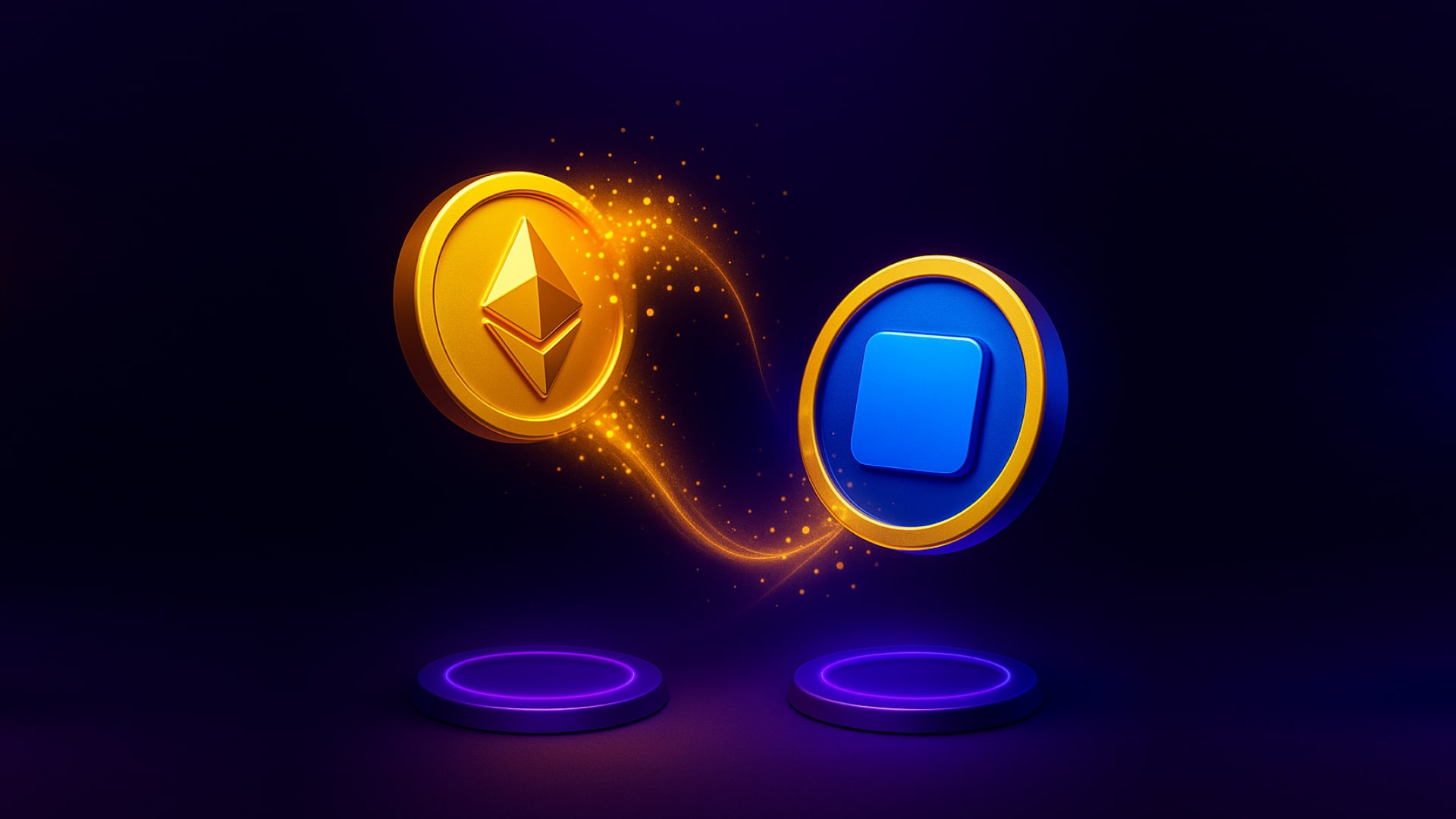
To join the launch, you’ll need to move your funds to the Base network. The good news? Bridging your ETH from Ethereum to Base is fast, cheap, and takes just a few minutes.
Below, you’ll find a simple, beginner-friendly step-by-step guide on how to bridge using MetaMask, for both desktop and mobile, followed by a full video walkthrough so you can follow along in real time.
What does “bridging” mean?
Bridging simply means moving your crypto from one blockchain to another. The easiest way to picture it: you’re sending your ETH from the Ethereum main road onto the Base fast lane. Your tokens don’t change - you keep the exact same ETH - it’s just being transferred to a network where transactions are much cheaper and confirm almost instantly.
What you’ll need?
Before you start, make sure you have:
- MetaMask wallet installed (browser extension or mobile app).
- Some ETH on the Ethereum mainnet, both to bridge and to pay a small gas fee.
- A few minutes and a stable connection.
How to Bridge ETH to Base on MetaMask Extension (Desktop)
- Open your MetaMask wallet and click on “Bridge.”
You’ll find it right on the main screen in the top bar. - Select the network and token you’re bridging from.
- Network: Ethereum
- Token: ETH
- Select the network and token you’re bridging to.
- Network: Base
- Token: ETH
- Enter the amount you want to send.
For example, 0.1 ETH.
MetaMask will automatically load the best available routes and gas estimates. - Review the quotes.
Choose the recommended route (it’s optimized for cost and speed),
or click “More quotes” to explore alternative routes. - Click “Submit.”
MetaMask will ask you to confirm the transaction in your wallet. - Wait for confirmation.
The transaction will usually complete within 1–5 minutes.
Once done, you’ll be able to see your ETH on the Base network inside your wallet.
Success! You’ve just bridged your ETH to Base.
How to Bridge ETH to Base on MetaMask Mobile App
- Open your MetaMask app and log in.
- Tap the menu button (two arrows in opposite directions) at the bottom of your home screen.
- Tap “Bridge.”
- Select your source network: Ethereum.
- Choose the token: ETH.
- Enter the amount you want to bridge. Example: 0.1 ETH.
- Select your destination network: Base.
- Choose the token you’ll receive: ETH.
- Pick the recommended route (or tap “Choose a different quote” for more options).
- Tap “Confirm” to approve the transaction.
- Track progress with the “Bridging in progress” bar.
Once done, your new balance will appear under the Base network in your wallet.
That’s it! You’ve successfully bridged to Base.
Video Tutorial
Prefer to see it in action? We’ve got you covered. Watch the full video walkthrough on how to bridge from connecting your wallet to verifying your balance on 👉https://youtu.be/Iy5Uwv4jKv4?si=HJ3VZGUNs0KBOVGw
Pro Tips
- Always keep a small amount of ETH on Ethereum to cover gas fees.
- Double-check the destination network before confirming any bridge transaction.
- You can also use Base Bridge (bridge.base.org) if you prefer the official Coinbase route - it’s simple, safe, and optimized for Base users.
What’s next
Once your ETH is on Base, you’ll be ready for the MotionDEV token launch ($MDEV) on November 25. This will be your entry point into the new era of decentralized healthcare - powered by AI, sensors, and blockchain. Bridge now, before launch day, to avoid congestion and high gas fees.